

If a delivery app has cut off your account, you have two separate routes: the platform's own appeal, and, if you qualify as an "employee-like" worker, an unfair deactivation application to the Fair Work Commission. The in-app appeal is free and quick to start, but it does not stop the clock on the Commission's strict 21-day deadline. Run both at once, and keep your evidence in order from day one.
TL;DR
- Appeal in the app straight away. Uber says the in-app appeal is the only way to appeal, and it expects a decision in 7 business days.
- Since 26 February 2025, covered platforms must follow a fair process before deactivating an employee-like worker, and eligible workers can apply to the Fair Work Commission within 21 days, according to the Fair Work Ombudsman.
- The 21 days run from when the deactivation takes effect, not from when the platform finishes its review.
- The Commission can order reactivation and lost pay, but not compensation.
- Not every worker qualifies, and serious misconduct is excluded. Check your status before you rely on this route.
Table of Contents
- Why delivery apps deactivate accounts
- Step 1: Appeal inside the app
- Step 2: Protect the 21-day deadline
- Do you qualify as an employee-like worker?
- What the Commission looks at
- What happens after you lodge
- What has changed in the law
- Preparing your evidence in the 21 days
- Promo: get the paperwork ready
- Perspective
- FAQ
- Sources
Why delivery apps deactivate accounts
Deactivation means the platform switches off your access to the app, so you cannot take orders. It can be permanent or temporary. Uber's Australian page on deactivations lists the most common causes as an expired document or a background check problem. Other reasons it gives include:
- Safety: crashes, traffic tickets, or repeated reports of unsafe or distracted driving.
- Fraud: fake or duplicate accounts, claiming deliveries you did not complete, keeping delivery items, manipulating the platform or GPS, or abusing promotions.
- Conduct: discrimination or offensive remarks.
- Identity checks: failing a Real-Time ID Check, which is aimed at account sharing.
Background check reasons on the same page include previous criminal convictions, pending serious charges, an expired check, serious driving violations, multiple violations or accidents, or a suspended licence within the last 10 years. Some deactivations are temporary while the platform investigates or while you fix an eligibility issue.
The notice often says very little. In one Commission case, the only reason the driver received was a line about the platform's policies on multiple accounts. A vague reason is still useful: it tells you what to answer.
Step 1: Appeal inside the app
Start here, whatever you decide later. Uber's Australian help page says to find the deactivation notice in the app, tap Appeal, submit your evidence and wait for the decision. It expects one within 7 business days and posts updates in the review centre section of the app or the partner portal. If you cannot go online, the home screen blocker in the Driver app explains why the account is blocked and what could unblock it.
The same page says Uber accepts:
- police reports
- dashcam footage (video or audio)
- screenshots or communication logs
- third-party documents, such as mechanic receipts
Other platforms such as DoorDash and Menulog run their own review processes, so use the one named in your deactivation notice.
What a strong appeal contains
Match your evidence to the stated reason. A few examples:
- Expired document or check: the renewed licence, registration or check result, with the date it was issued.
- Fraud allegation: order history, GPS or delivery screenshots and any chat with the customer or restaurant showing the delivery happened.
- Safety complaint: dashcam footage, a police report or a mechanic's receipt showing the facts.
- Multiple accounts: proof of who you are and that you hold one account only.
Keep your appeal factual and short. Put the date of the deactivation, the reason you were given and your answer to it at the top.
Step 2: Protect the 21-day deadline
This is where people lose their rights. The Fair Work Commission says an eligible worker can apply for unfair deactivation using Form F89 within 21 calendar days after the deactivation.
The internal review does not pause that period. In Simranpreet Singh v Rasier Pacific Pty Ltd [2025] FWC 2497, the driver had asked Uber for an internal review and filed 26 days after the 21-day period ended. The Commission dismissed the application and found no exceptional circumstances. It was not persuaded that waiting on Uber's review, which was meant to take 7 to 10 business days but took longer, justified the delay.
The practical lesson is to count the days from the date your access was removed. Write that date down, and diarise day 14 as your own deadline to have the application ready. Our guide to the 21-day time limit explains how this style of deadline works in the unfair dismissal system, and the same discipline applies here.

Do you qualify as an employee-like worker?
The unfair deactivation protection is not for everyone who delivers food. The Commission says it covers employee-like workers, not employees. To count, you generally need to meet at least two of these:
- Low bargaining power.
- Pay at or below the rate of an employee doing similar work.
- Low authority over how you do the work.
You must also have worked regularly through the platform for at least 6 months from 26 August 2024, and earn below the contractor high income threshold. Under the Deactivation Code, work is regular if you complete on average 60 hours of paid work each month through the platform, or paid work on average on 3 days of each week.
The ILO's July 2024 fact sheet adds that the person must be a party to a services contract for digital platform work, with all or a significant majority of the work performed under it.
In plain terms, check three things before you file: how long you have been working through the platform, how regularly you work, and whether at least two of the three criteria describe your situation. Write a short note on each, with examples such as rates you could not negotiate or rules the app imposed on how you work.
If you are actually an employee
Some people called contractors are in law employees. That is a different system with its own protections, including unfair dismissal, and it has its own minimum employment periods and the same 21-day time frame. Our guides on checking unfair dismissal eligibility and the minimum employment period set out those tests. If your status is unclear, do not wait to resolve it: lodging within 21 days under the right route matters more than perfect certainty.
What the Commission looks at
When deciding whether a deactivation was unfair, the Commission considers:
- whether there was a valid reason related to your capacity or conduct
- whether the platform followed the Deactivation Code process
- any other relevant matters
The NSW Small Business Commissioner describes the Code as giving workers a right to challenge deactivations where complaints led to deactivation without evidence or investigation, or where performance metrics or policies were not clearly communicated or applied consistently.
When a deactivation is not unfair
The Commission says a deactivation is not unfair if it was for serious misconduct. It also is not unfair if access was changed or suspended for 7 business days or less and the platform had reasonable grounds to:
- protect health and safety
- act on suspected fraud or dishonesty
- act on a suspected lack of a required licence or accreditation
- investigate, or refer matters to law enforcement
So a short suspension during an investigation is treated differently from a permanent removal. Note how long your suspension lasted and whether you were told why.
The outcome can also go against a worker on the facts. In Ravinder Singh v Menulog Pty Ltd [2025] FWC 3293, decided on 10 November 2025 after a hearing in Melbourne, the Commission dismissed a courier's application and found the deactivation consistent with the Code. The lesson is to prepare the facts around the stated reason, not just the unfairness of the outcome.
What happens after you lodge
The Commission's process page sets out the stages:
- The Commission contacts you within 3 days of lodgement.
- The platform has 7 days to respond or object.
- A Member holds a conference or a formal hearing, usually months later.
- The Member publishes a written decision.
- Either party can apply for permission to appeal within 21 days after the decision.
If the Commission finds the deactivation unfair, it may order reactivation and payment of money you lost because of the deactivation. It cannot award compensation on top. That shapes your goal: get back on the platform, and show what you earned and lost while off it. Keep your earnings statements and bank records for the weeks before the deactivation.
The process is similar in shape to the unfair dismissal process. Our step-by-step guide to the Commission process shows what a conference looks like, which is useful for preparing.
What has changed in the law
The Fair Work Ombudsman states that from 26 February 2025, digital platform businesses covered by the Digital Labour Platform Deactivation Code must follow a fair process before deactivating an employee-like worker. The Ombudsman's industrial relations timeline says the Closing Loopholes No. 2 Act 2024 introduced minimum standards for employee-like workers, with many changes from 27 February 2024 and others from August 2024 or early 2025. It also notes 2026 amendments to enhance Commission processes. Rules in this area are still developing, so confirm current requirements on the Commission's pages before you lodge.
Preparing your evidence in the 21 days
A workable plan for the three weeks:
- Day 1: screenshot the deactivation notice, the reason given and the date. Save every email and in-app message.
- Days 1 to 3: submit your in-app appeal with evidence matched to the reason.
- Days 3 to 7: build your status note (hours, days worked, who set rates, who controlled how you work) and a short timeline of events.
- Days 7 to 14: collect earnings records and complete the application.
- By day 14: be ready to lodge, whatever the platform has said. Do not wait for the review outcome.
The mistakes that cost workers are consistent: waiting for the app's decision, relying on memory instead of records, and filing without a clear account of why the stated reason is wrong.
Promo: get the paperwork ready
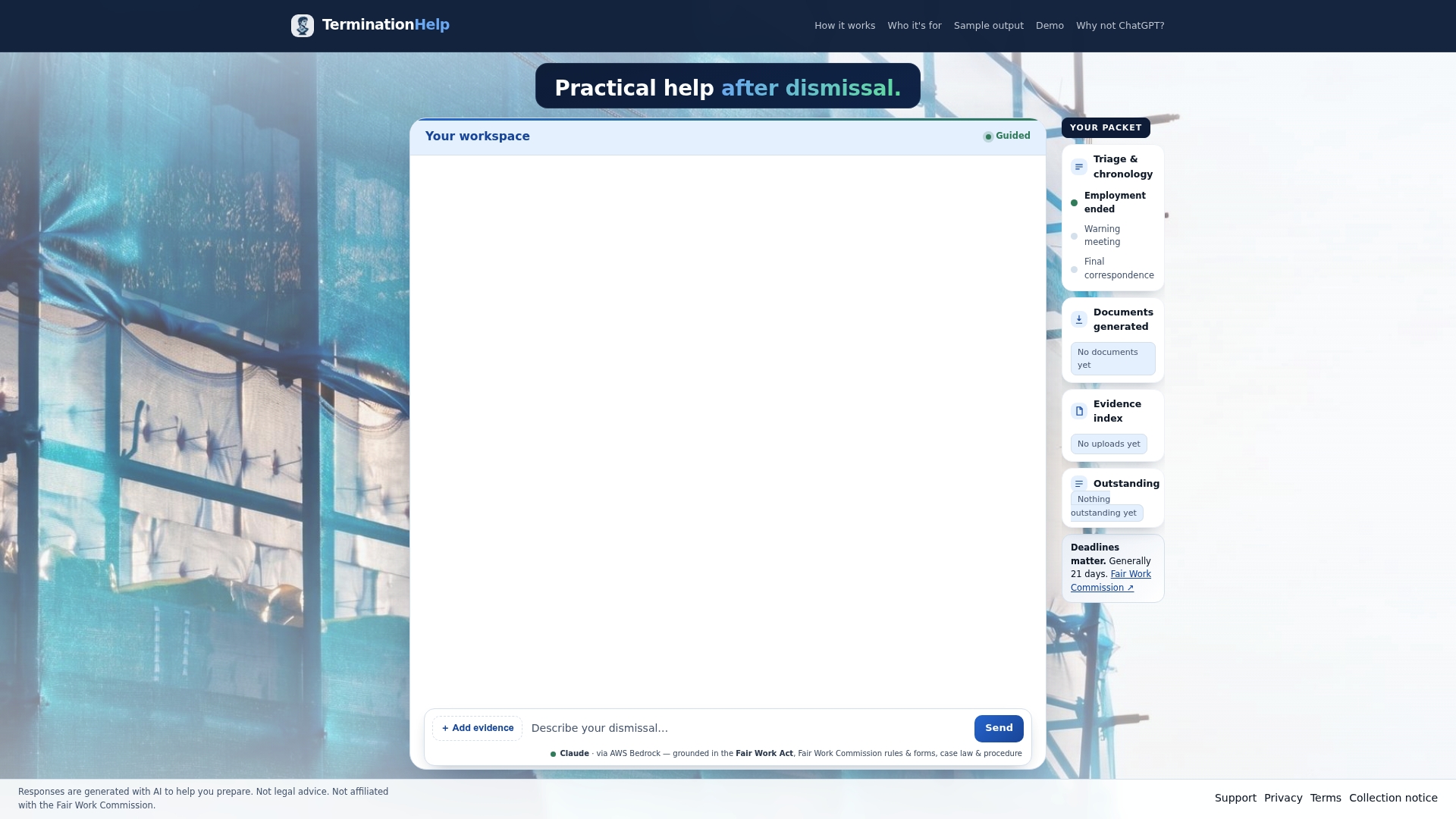
Our preparation support is built around Australian Fair Work legislation, Fair Work Commission rules and procedure. It walks you through eligibility checks, organises your evidence, sets out your timelines and generates the required Fair Work forms, so you can file independently or bring a structured packet to a lawyer, union or community legal centre. Your data stays onshore and is never used to train AI. See how it works on our preparation support page.
If your situation looks more like an employee being dismissed, our guide to filing within 21 days covers that route.
Perspective
Most people we speak to about losing work lose their rights through timing and disorganisation, not because their case lacked merit. A deactivation lands on a Tuesday, the app promises a review in a week, and by the time the answer arrives the window to go to the Commission has closed.
We built our tool around that problem. It is dedicated to Australian Fair Work claims, grounded in the legislation, the Commission's rules and relevant case law, and it is designed to turn a stressful pile of screenshots and messages into a clear timeline, an eligibility check and the forms you need. Generic chatbots are not tied to Australian procedure. Ours is.
Our advice is simple: do the in-app appeal, but build your Commission application at the same time, and never let the platform's timetable set yours.
Nicolas
FAQ
Can I appeal an Uber Eats deactivation?
Yes. Uber says the in-app appeal is the only way to appeal. Open the deactivation notice, tap Appeal and upload your evidence. It expects to decide within 7 business days and posts updates in the app's review centre.
Can I take a deactivation to the Fair Work Commission if the appeal fails?
Possibly. If you are an eligible employee-like worker, you can apply on Form F89 within 21 calendar days of the deactivation. The Commission may order reactivation and lost pay if it finds the deactivation unfair.
Does the 21 days start when Uber rejects my appeal?
No. In the Simranpreet Singh case, the Commission treated the period as running from the deactivation, and a delay while waiting for an internal review was not enough to excuse a late filing. Lodge on time and let the appeal run alongside.
Can I get compensation for deactivation?
Not from the Commission. It may order reactivation and payment of money lost because of the deactivation, but it cannot order compensation.
Sources
- Deactivations: Losing Account Access | Uber
- Deactivated account | Driving & Delivering | Uber Help
- Unfair deactivation for employee-like workers | Fair Work Commission
- The process for unfair deactivation or termination claims | Fair Work Commission
- Employee-like workers | Fair Work Ombudsman
- Australia's industrial relations timeline | Fair Work Ombudsman
- Simranpreet Singh v Rasier Pacific Pty Ltd [2025] FWC 2497
- Ravinder Singh v Menulog Pty Ltd [2025] FWC 3293
- Digital Labour Platform Deactivation Code, legislation.gov.au
- New protections for gig workers | NSW Small Business Commissioner
- Decent work in the platform economy: law and practice update | ILO
Recommended
- Check Unfair Dismissal Eligibility in Australia: 21 days to lodge
- Legal Aid Alternatives in Australia for Work Disputes
- Australia: 21 Day Evidence Casual Employees Need for Unfair Dismissal
Article produced using AI. This is not legal advice.